Providing Feedback
The MASQ team utilizes Canny to log and address feedback from testers - please send us some feedback on features or bugs you find, so we can work on them!
Helpful Tips for Bug-Reports!:
- Specify your OS name and version
- Specify which version you used - or we won't know what build you're using
- Please attach a screenshot to show the bug/location of the bug if possible
Example:
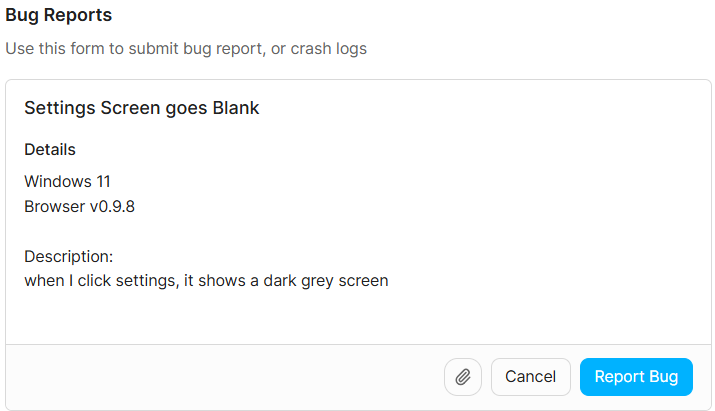
Inspecting MASQ Core Log Files
Here are the common locations of MASQ Core logs for each OS
- Windows
- Mac
- Linux
Daemon/Node Launch Logs - System logs in EventViewer
Daemon Logs: C:\Windows\System32\config\systemprofile\AppData\Local\MASQ\MASQNode_daemon_rCURRENT
Node Logs:
C:\Windows\System32\config\systemprofile\AppData\Local\MASQ\
On some Windows user profiles, the file path may be specific to the logged in user:
C:\Users%USERNAME%\AppData\Local\MASQ\
Daemon/Node Launch Logs
/var/log/MASQDaemon.log
Daemon Logs
/var/root/Library/Application Support/MASQ/MASQNode_daemon_rCURRENT.log
Node Logs
~/Library/Application Support/MASQ
Linux: Daemon/Node Launch Logs
sudo journalctl -u snap.masq.masqnode
Daemon Logs
/root/snap/masq/x1/.local/share/MASQ
Node Logs
~/snap/masq/x1/.local/share/MASQ