Install Requirements
MASQ Browser Beta is now available for Public
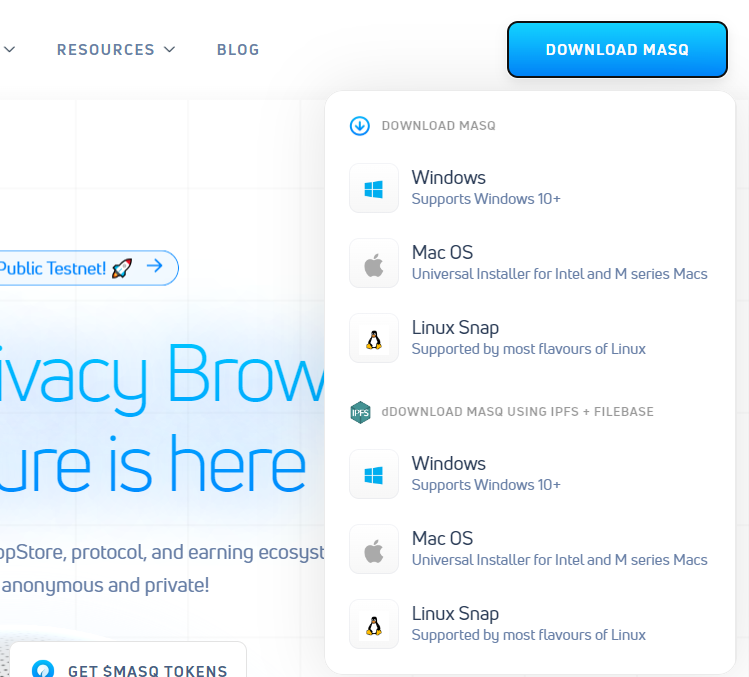
Navigate to the https://masqbrowser.com website to download the latest MASQ Browser desktop app.
Installers are supported for Windows 10/11, macOS 11/12/13 and Linux Snap
&#xNAN;(Linux AppImage and configuration guide coming soon!)
Download links are available via web3 CDN host and also using IPFS through our Filebase partner!
Make sure you only download the MASQ web3 browser from the official website https://masqbrowser.com and verify the md5 checksums for any installers here:
MASQ Tokens
MASQ Browser is running on Base mainnet as the primary network. Setting up your new account is easy after installing MASQ Browser or dVPN Extension. You need Base network enabled in your web3 wallet if you want to manually manage your MASQ Network usage directly utilizing $MASQ tokens on Base for web3-native users.
Using Installer files on MacOS/Linux
A set of installers are produced for Windows, MacOS (11 and higher) and Linux Ubuntu 18+ - these are produced with CI-runners (continuous integration) so rapid deployment of fixes can be done on the software.
System Cleanup
It you have done testing of MASQ in the past, it is important to do a full System Cleanup to remove old MASQ core databases and config!